
Practical workflow guides
How to stop copying the same data between tools
What is a single source of truth, and do you need an all-in-one suite? Pick one tool to own each record, then connect the rest with AI employees.
Pick one tool to own each kind of record, like clients, jobs and invoices. Then connect the rest of your tools around it. You don't have to switch to an all-in-one suite.
AI employees work across those tools. Each connection gets only the access its job needs, and you can revoke it at any time. A person approves anything that sends or changes a record.
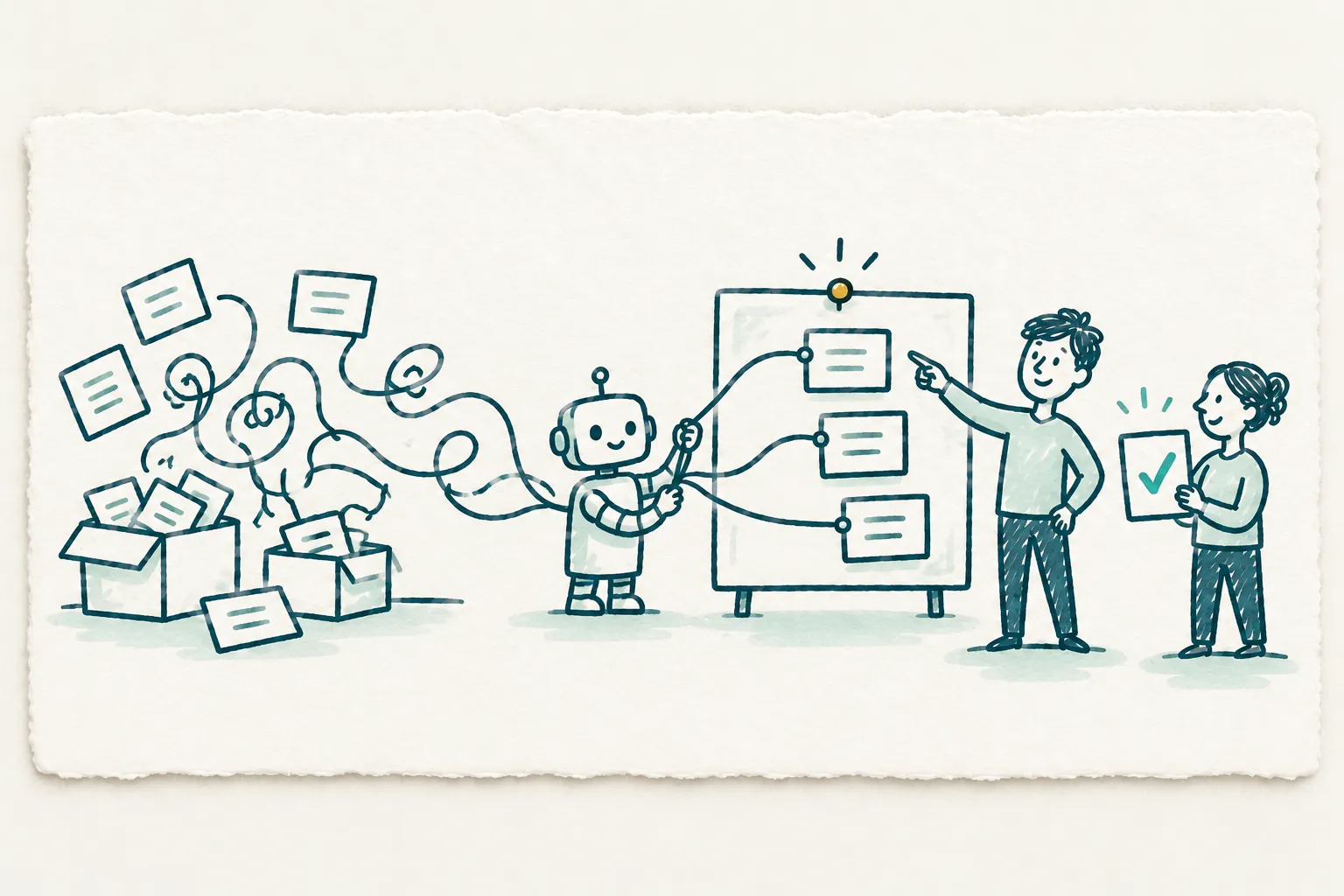
How the workflow can work
- Each record gets one owner
Each kind of record lives in one tool, like jobs in your scheduling app and invoices in QuickBooks. Everyone reads from that tool.
- The other tools connect to it
Connections pass records between tools, so nobody copies them by hand. Each connection gets only the access its job needs.
- AI employees work across them
An AI employee reads what it needs from each tool and drafts the email, the note or the update. A person approves anything that sends or changes a record.
- You stay in control
A permission register lists every connection, what it can do and who approved it. You can revoke any connection at any time.
Questions to answer before implementation
Does the same client information live in more than one place?
Does your team jump between systems to find a client's details?
Do your clients deal with more than one person on your team?
For each tool, who owns it, what does it cost, and when does it renew?
What data flows in and out of each tool, and what breaks if you turn it off?
Where is each kind of record created, changed and read?
Which tool should own each kind of record?
Which apps must keep working from day one?
What to define in the implementation scope
One tool named as the owner of each kind of record
The tools behind one workflow connected, so your team stops copying its records by hand
No forced switch to an all-in-one suite
A list of every connection and what it can do, and you can revoke any of them
Hours spent copying records, measured against where you started in the Diagnostic
These are proposed workflow outputs, not a promise of results or a fixed monthly deliverable.
Map the work before implementing it.
The free Snapshot helps choose one workflow. The paid Diagnostic documents the current process, baseline, ownership, decisions and proposed scope. Nothing is built during the Diagnostic. Implementation requires a separate written scope.
AI Operations Snapshot: Free. AI Operations Diagnostic: $1,000 once for 1 week, documents only; no implementation is included. Partnership Tiers: Direct Advisory at $2,500/month with 4 engineering hours a month; Strategic Partner at $4,500/month with 8 engineering hours a month; Fractional Product Lead at $7,500/month with 15 engineering hours a month. Each tier has a 3-month commitment and no onboarding fee. Sprint Add-Ons cost extra and require an active Partnership Tier.
It renews for another 3 months at the same price unless you give 30 days' notice before it ends. Renewal reminders and written notice follow the agreement. Licenses, hosting and AI usage are billed separately by the relevant vendors.
Questions owners ask first
- What is a single source of truth?
It's one trusted place for each kind of record, like clients in your CRM and invoices in QuickBooks. People and tools read from that place instead of keeping their own copies. The rule matters more than the software.
- Is there one software that can run my whole business?
All-in-one suites like Zoho One and Odoo exist. They save typing things twice, but payroll and complex HR may need their own tools. We don't force a switch. We pick which tool owns each record, then connect the rest.
- How do I connect my CRM and accounting software?
Check for a built-in connection first. Some CRMs link straight to QuickBooks or Xero. If yours doesn't, use a sync tool like Zapier. Before you switch it on, clean up client records and decide which system owns each field.
- How do I keep client information organized?
Keep one shared client record, usually a CRM, and log every call, email and file there. Store it encrypted, and keep more than one backup. An AI employee can draft those notes for a person to approve.
- Do I need a CRM for my business?
You likely do if client details live in many places, leads slip through, or clients deal with more than one person on your team. If a spreadsheet still works for you, keep it until it doesn't.
- Is it safe to connect ChatGPT to Gmail?
Use approved business tools with the access, retention and model-training settings checked for your engagement. Give each assistant only the records its job needs. A person reviews every generated output before it leaves the review queue.